Understanding Digital Fatigue: Causes and Symptoms
What is Digital Fatigue?
Digital fatigue refers to the exhaustion and strain caused by prolonged exposure to digital screens. It affects not only the eyes but also mental well-being, manifesting after excessive use of smartphones, computers, tablets, or TVs. This condition is a growing concern as our reliance on technology intensifies in both personal and professional contexts.
Common Signs to Recognize
Recognizing digital fatigue early is crucial. Symptoms often include headaches, dry or irritated eyes, blurred vision, and difficulty concentrating. On a mental level, individuals may feel overwhelmed, anxious, or experience mood swings. Fatigue often worsens at the end of the day, impacting overall productivity and sleep quality.
The Role of Screen Time in Mental and Physical Health
Extended screen time contributes to physical discomfort such as neck and shoulder pain, while also disrupting circadian rhythms, affecting sleep patterns. Mentally, it can increase stress and reduce attention spans. Understanding these impacts highlights the importance of managing screen use thoughtfully to maintain holistic health.
Weekly Self-Care Checklist Overview
Why a Weekly Approach Works Best
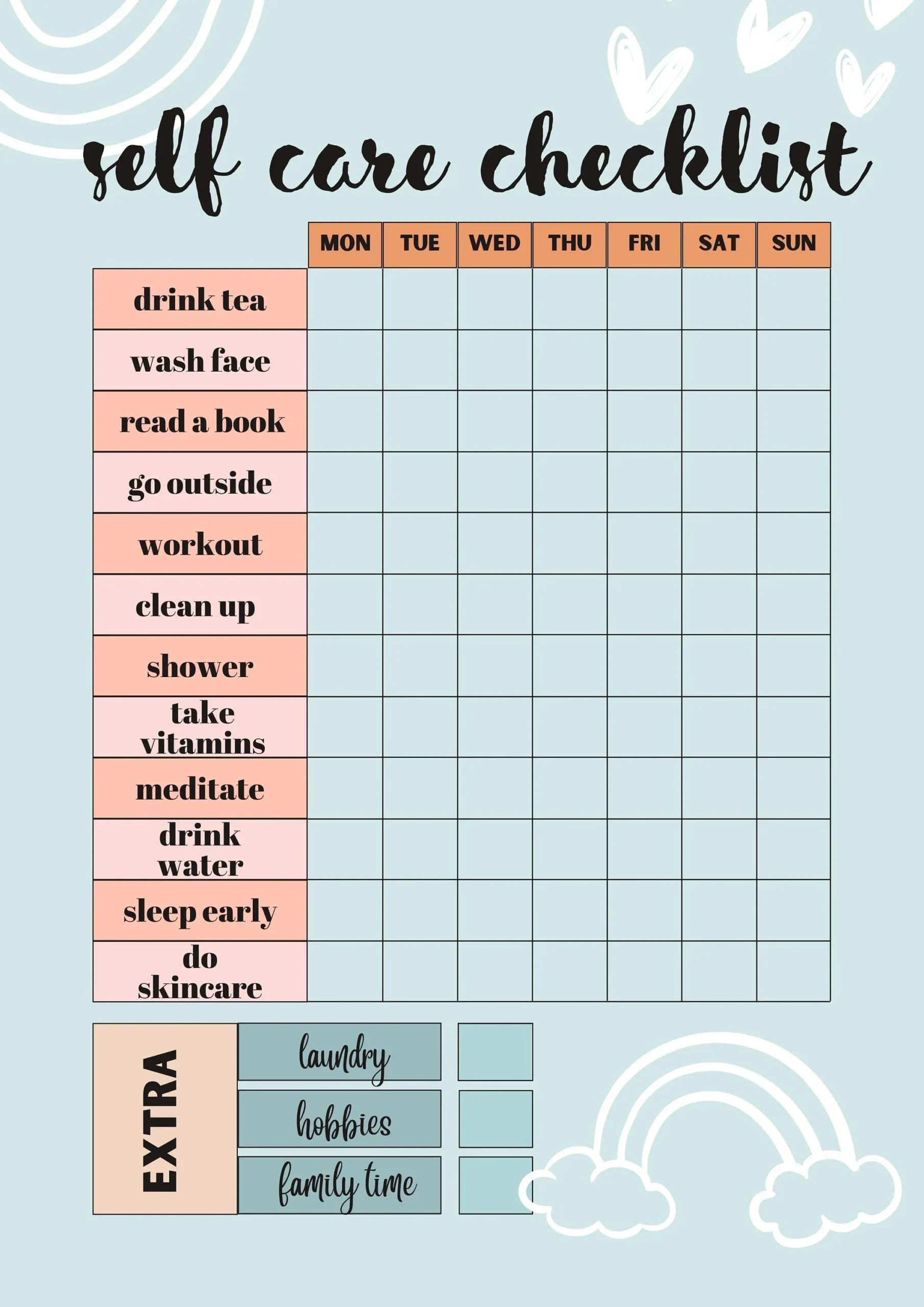
A weekly self-care schedule provides a balanced framework, allowing gradual improvements without feeling overwhelming. It promotes consistency and reflection, helping individuals adjust habits based on what works best. This approach supports sustainable lifestyle changes rather than quick fixes that tend to fade.
Setting Realistic Goals for Screen Time Reduction
Start by identifying achievable goals, such as limiting non-essential screen use to specific hours or reducing social media time by 20%. Realistic targets are essential to avoid frustration and burnout. Monitoring progress weekly encourages accountability and a sense of accomplishment.
Daily Habits to Support Digital Well-being
Morning Routines to Minimize Screen Dependency
Begin each day with screen-free activities like stretching or journaling. Avoid checking devices immediately upon waking to reduce early exposure to digital stimuli. Establishing this practice fosters mindfulness and sets a calmer tone for the day ahead.
Midday Break Strategies
Incorporate short breaks away from screens to refresh both eyes and mind. Simple exercises like the 20-20-20 rule—looking at something 20 feet away for 20 seconds every 20 minutes—help alleviate eye strain. Pair breaks with light movement to relieve physical tension.
Evening Rituals for Better Sleep and Relaxation
Limit screen use at least one hour before bedtime. Engage in relaxing activities such as reading a book, meditating, or gentle yoga. These rituals support the natural decline in alertness and prepare the body for restorative sleep, countering the stimulating effects of blue light.
Dedicated Weekly Activities to Combat Digital Fatigue
Outdoor Activities and Nature Connection
Spending time outdoors offers a powerful antidote to digital overload. Nature immersion has been shown to reduce stress and improve mood. Aim for at least one session a week, whether a walk in a park, gardening, or any form of outdoor exercise to refresh your senses.
Engaging in Non-Digital Hobbies
Devoting time to hobbies that don’t involve screens helps restore cognitive balance. Activities like painting, cooking, or playing a musical instrument stimulate creativity and provide a welcomed distraction from digital demands. Regular participation can improve emotional well-being.
Mindfulness and Meditation Practices
Incorporating mindfulness sessions into your weekly routine reduces mental clutter induced by constant digital engagement. Meditation supports emotional regulation and focus, easing anxiety linked to screen overload. Even short daily practices contribute significantly over time.
Technology Tools to Help Manage Screen Time
Apps for Monitoring and Limiting Usage
Many tools now track screen time and encourage healthier habits. Applications like Screen Time, RescueTime, or Digital Wellbeing provide detailed reports and allow users to set limits. Using these tools can raise awareness and enforce boundaries effectively.
Settings and Features to Reduce Eye Strain
Adjusting device settings is a simple yet effective way to minimize discomfort. Options include enabling night mode, reducing brightness, increasing text size, and using blue light filters. These features ease visual strain and support longer, more comfortable screen use.
Tracking Progress and Adjusting Your Plan
How to Use a Weekly Journal or Log
Keeping a journal helps track feelings, screen time patterns, and the effectiveness of your self-care routine. Note what activities improved your well-being and which ones were challenging. This documentation facilitates mindful adjustments tailored to your needs.
Reflecting on Changes and Making Improvements
Regular reflection offers insight into what strategies work best. Be flexible and willing to tweak goals or routines if something feels ineffective. Continuous improvement fosters resilience against digital fatigue and supports long-term digital wellness.