Understanding Digital Clutter and Its Impact on Focus
What Constitutes Digital Clutter?
Digital clutter is the accumulation of unnecessary files, apps, notifications, and open tabs that crowd your digital space. It’s the messy desktop full of icons, the overflowing email inbox, and the endless stream of distracting alerts. Unlike physical clutter, digital clutter is often invisible until it starts to affect how efficiently you can work or relax. It might seem harmless at first, but over time, this virtual mess can build up and interfere with your mental clarity.

The Psychology Behind Distraction
Our brains are wired to notice changes and interruptions, which explains why digital clutter can be so disruptive. When you see too many icons or notifications, your attention fragments, making it harder to concentrate on a single task. This constant distraction triggers stress and cognitive overload, reducing productivity and increasing feelings of overwhelm. Understanding this connection is the first step toward creating a digital environment that supports deep focus rather than pulling you in multiple directions.
Step-by-Step Strategies to Declutter Your Digital Space
Organizing Your Files and Folders Efficiently
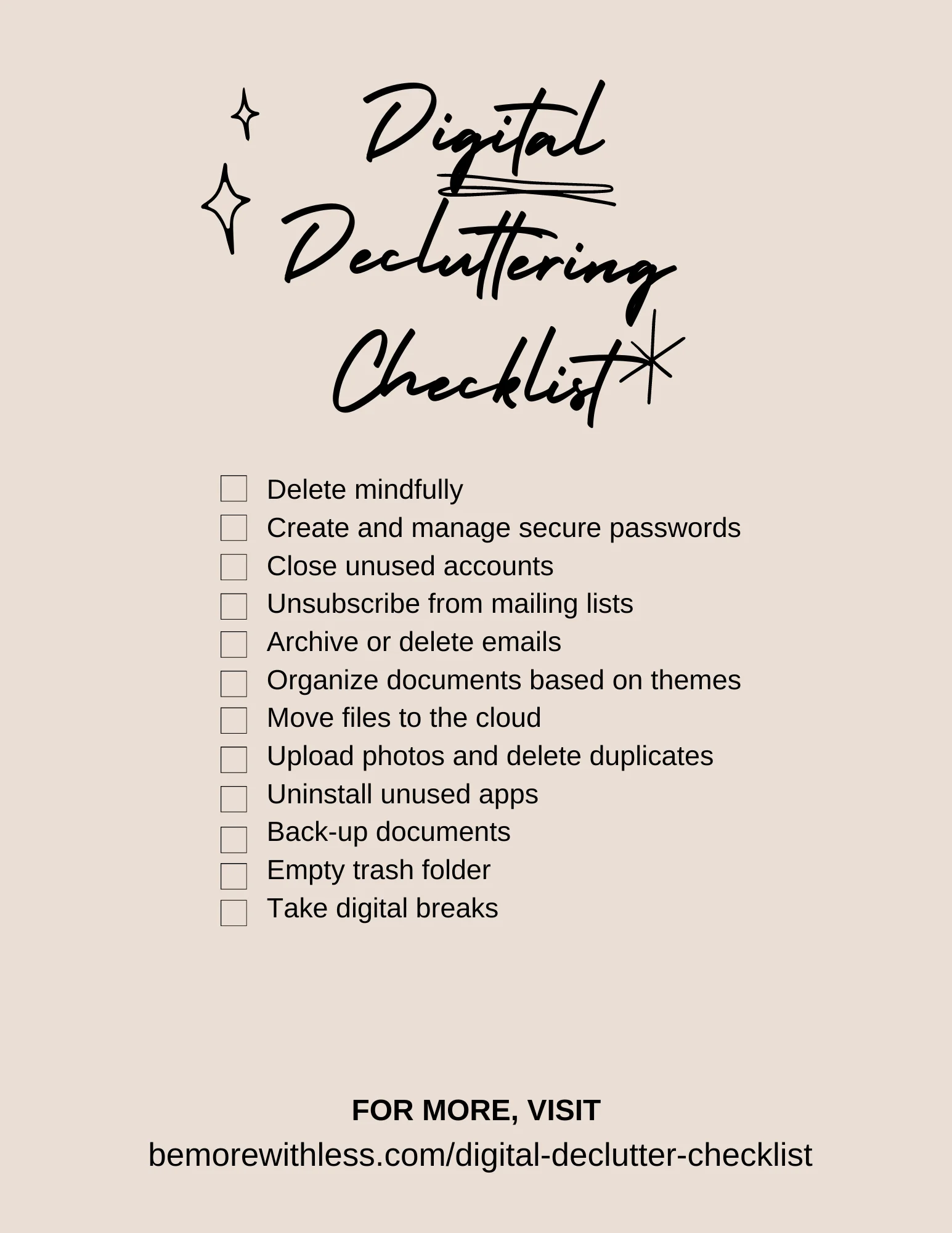
Start by setting aside time to sort through your files systematically. Create a logical folder structure based on categories like work, personal, projects, or timeframes. Avoid keeping everything on your desktop, as this is often the first place clutter accumulates. Delete duplicates and outdated documents to free up space. Naming files clearly helps you find them quickly without rummaging through endless folders. The goal is to build a system that feels intuitive so you don’t hesitate when saving or retrieving files.
Email Management Techniques That Work
Email inboxes can become major sources of digital noise, but with some discipline, you can tame this chaos. One effective method is to unsubscribe from newsletters or updates you no longer read. Use filters and folders to automatically sort incoming mail, prioritizing what requires immediate attention. Consider adopting the habit of responding or archiving emails immediately rather than leaving them to pile up. The less email clutter you have, the less mental weight you carry throughout the day.
Optimizing Your Desktop and Mobile Screens
Your desktop and mobile screens are gateways to your digital life, so keeping them organized is crucial. Limit the number of apps and shortcuts visible to only the essentials you use daily. Group apps into folders by type or function to reduce visual clutter. On your phone, customize your notifications to minimize interruptions. A clean, visually calm screen can surprisingly improve your focus and reduce the impulse to jump between tasks.
Tools and Apps Designed to Reduce Digital Clutter
Best Apps for File Management and Cleanup
Modern technology offers many helpful tools to assist with digital decluttering. Apps like CCleaner, CleanMyMac, or Disk Cleanup help identify large or unnecessary files that clog storage. Cloud storage solutions such as Google Drive or Dropbox offer organized spaces to store and access documents without crowding your device. These tools automate much of the cleanup process, making it easier to maintain an uncluttered digital environment.
Browser Extensions to Minimize Distractions
Browser extensions can be lifesavers when it comes to focus. Extensions like StayFocusd or LeechBlock allow you to limit time spent on distracting websites, while ad blockers remove intrusive ads that fragment your attention. Other tools help manage your open tabs, like OneTab, which converts all open tabs into a list, reducing memory load and screen clutter. By using these extensions, you tailor your browsing experience to support concentration rather than disrupt it.
Creating Sustainable Digital Habits for Long-Term Focus
Daily Routines to Maintain a Clutter-Free Environment
Decluttering isn’t a one-time task; it requires ongoing effort. Incorporate small rituals into your daily routine, like clearing your email inbox at the end of the day or spending five minutes organizing your desktop each morning. These habits prevent clutter from building up and keep your digital space feeling fresh and manageable. Over time, maintaining this routine becomes natural, and your environment supports rather than hinders your focus.
Setting Boundaries for Device Usage
Another critical aspect is setting clear boundaries with your devices. Allocate specific periods for email checks, social media, or casual browsing to avoid aimless scrolling. Consider using “Do Not Disturb” modes during deep work sessions or turning off non-essential notifications. By consciously controlling when and how you engage with technology, you reduce cognitive overload and create mental space for meaningful tasks.
Case Studies: How Minimal Digitalism Boosts Productivity
Real-Life Examples of Digital Decluttering Success
Many professionals and creatives report remarkable improvements after embracing minimalist digital practices. For instance, a freelance writer shared how organizing files and limiting email checks to twice a day reduced her stress and doubled her productivity. Another example is a software developer who uses tab management extensions and a strict device usage schedule, enabling longer periods of deep focus and innovation. These stories illustrate that digital decluttering isn’t just about tidiness—it’s a powerful productivity strategy that fosters clarity and effectiveness.